15 Best Doodle Video Examples for Business (2026)

Co-founder of Yum Yum Videos | Explainer Video & Video Marketing Expert
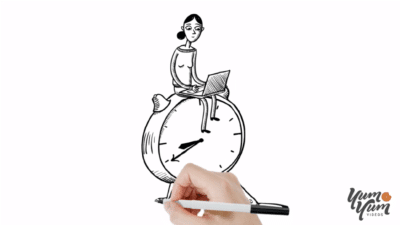
A good doodle video feels a little like watching someone think on paper. The narrator introduces an idea, a few lines appear, and the drawing grows as the explanation gets more specific. That rhythm makes the format useful when a product, process, or topic needs to be understood step by step.
At Yum Yum Videos, an animated explainer video company, we have worked with this style for more than 14 years and produced hundreds of whiteboard and doodle projects. They are some of the most script-dependent videos we make. A polished drawing cannot rescue an explanation that is out of order.
That is also what separates the stronger examples from the forgettable ones. In the best doodle videos, the illustrator is revealing information at the exact moment the viewer needs it. The drawing has a job.
The 15 examples below use that idea in very different ways: investor communication, SaaS, healthcare, education, environmental topics, product marketing, training, and even a 15-minute corporate strategy presentation.
Table of Contents
TL;DR: Doodle Videos at a Glance
| • | What it is: A doodle video uses hand-drawn or sketch-style illustrations that appear as the story develops, usually with a voiceover guiding the explanation. |
| • | Best for: SaaS, healthcare, education, finance, training, sustainability, and other subjects that need a clear step-by-step explanation. |
| • | Typical length: About 60 seconds to 2.5 minutes for marketing and sales projects. Educational or training content can run longer. |
| • | Typical cost: At Yum Yum Videos, custom doodle and whiteboard-style projects typically fall around $8,000 to $15,000 per minute, depending on complexity. |
| • | Best use case: When the audience needs to understand a process, system, or unfamiliar idea before evaluating the product or service. |
| • | Avoid it when: The real product, detailed UI, cinematic visuals, or immediate visual impact needs to carry the message. |
What Is a Doodle Video?
A doodle video is an animated video built around hand-drawn or sketch-style illustrations that appear as the story develops. Most use a voiceover, a simple background, and a limited color palette. Some show a hand drawing on screen, while others animate the illustrations without showing the hand at all.
The term overlaps heavily with whiteboard animation. In practice, clients often use doodle video, whiteboard video, hand drawn explainer video, and sketch explainer video to describe similar work.
We usually think of doodle animation as the broader visual language. A classic whiteboard video follows a more recognizable setup: drawings are progressively revealed on a white or light canvas, usually in sync with narration. A doodle piece can be looser. It may use more color, denser illustrations, unusual backgrounds, character animation, or a more editorial drawing style.
If you want the deeper production definition, our guide to the whiteboard explainer video explains how the progressive drawing technique works and where it fits in an explainer.
Doodle Video vs. Whiteboard Animation: Is There a Difference?
There is no clean industry-wide line between the two terms, and that is part of the confusion.
A doodle video usually describes the look: drawn lines, simple illustrations, handwritten elements, sketch-style characters, and a visual idea that develops on screen.
Whiteboard animation describes a more specific production approach. The viewer normally sees the explanation being built in sequence, often against a white background.
The two can be almost identical. They can also look very different once motion graphics, character animation, brand colors, and more elaborate transitions are added.
For a business project, the label matters less than the communication problem. If the audience needs to follow a process or understand an unfamiliar system, the progressive drawing approach can work very well. If the product needs cinematic imagery, detailed UI, or fast visual impact, a different format may be more appropriate. We covered those tradeoffs in Don’t Use a Whiteboard Animation Video!.
Teams already comparing production options can also see our whiteboard animation video service for examples of the style in commercial work.
What Makes a Good Doodle Video?
After working on a lot of these projects, the first thing we look for is sequence.
Can the idea be broken into a visual progression? What does the viewer need to understand first? Which concept should appear next? Can one drawing turn into another without forcing the transition?
If those answers are clear, the storyboard usually comes together naturally.
The second issue is restraint. Doodle animation gives the illustrator endless opportunities to add visual jokes, arrows, characters, icons, labels, and background details. Too much of that makes the viewer work harder. The better pieces know when to stop drawing.
Timing matters too. A drawing that appears too early can give away the point before the narrator explains it. One that arrives late feels disconnected from the voiceover. On our own projects, we spend a surprising amount of time adjusting when a line, label, or character enters the frame.
You can see all three decisions in the examples below.
15 Best Doodle Video Examples
1. MedVector by Yum Yum Videos
MedVector had a difficult communication problem: its clinical trial model needed context before an investor or participant could understand why it was useful.
We used a doodle explainer video approach with characters and a board-game metaphor. Instead of trying to reproduce a medical workflow literally, the visual system gave the audience a simpler way to follow the different stages and participants.
That choice is what makes this example worth studying. The subject is technical, but the drawings never try to look technical for their own sake. They organize the explanation.
MedVector later raised $3.5 million. That funding was the company’s achievement, not a result we can attribute to one video. The project was one of the communication assets MedVector used while explaining its model to investors and other audiences.
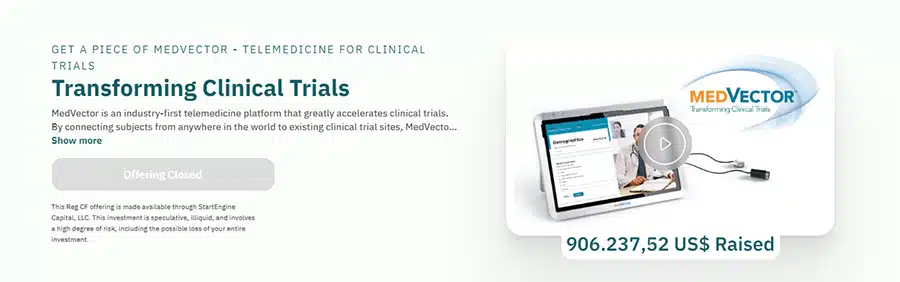
You can read more about the project in our MedVector case study.
2. Spigit by Yum Yum Videos
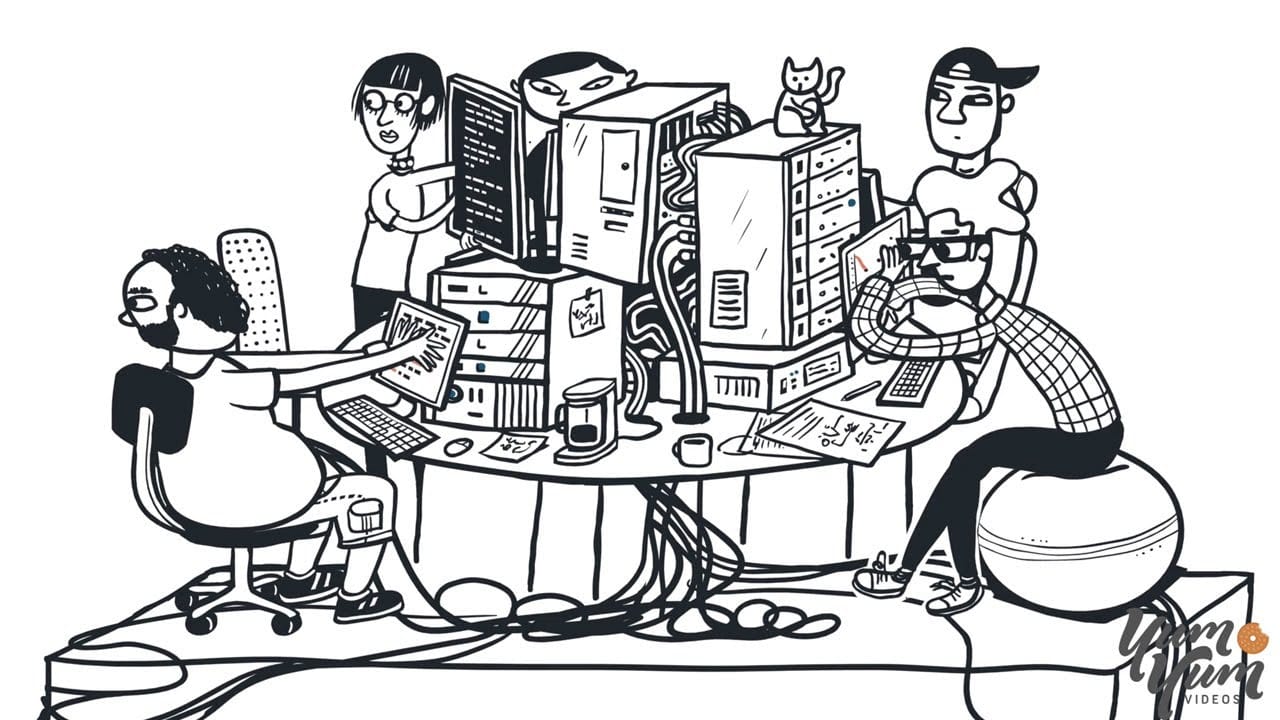
Spigit’s enterprise innovation management platform dealt with ideas, crowd input, evaluation, and algorithms. A screen recording would have shown the software, but it would not have explained the logic behind it very well.
The doodle format gave us more room.
We could turn abstract parts of the platform into machinery, office situations, characters, and visual jokes while keeping the explanation moving in one direction. The illustrations are simple, but the thinking behind them is not.
This is one of the reasons we still use doodle videos for complex B2B products. When the product is easier to understand as a concept than as a collection of screens, illustration gives the script more freedom.
The full project is covered in our Spigit case study.
3. Where Do Good Ideas Come From?
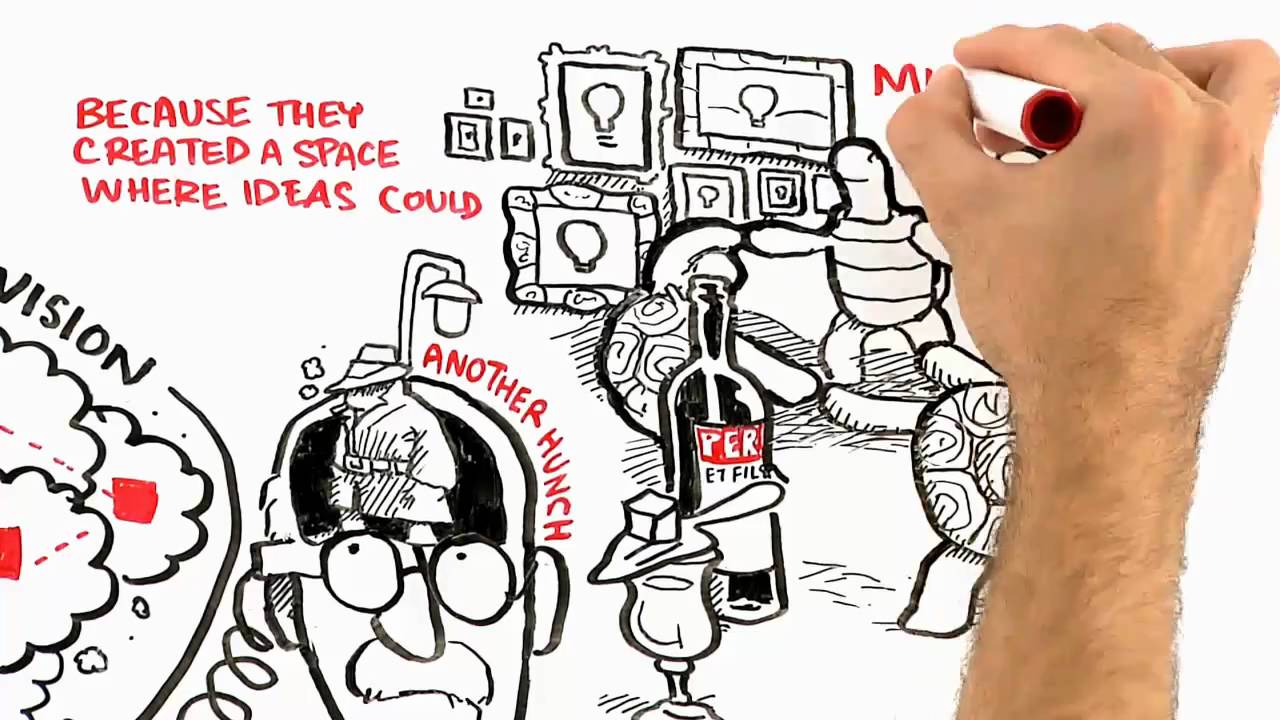
This piece starts as an explanation of creativity and gradually reveals that it is also introducing a book.
That is a useful lesson for product marketing. The product does not need to dominate the first few seconds. The video gives the viewer an idea worth following, then connects that idea to what is being sold.
The drawing style fits because the subject itself is about ideas developing, colliding, and changing. The visual treatment feels connected to the topic rather than pasted on top of it.
For brands considering a doodle video for thought leadership or a book launch, this is a good reference for how much product information you actually need on screen.
4. Coca-Cola Content 2020 Approach
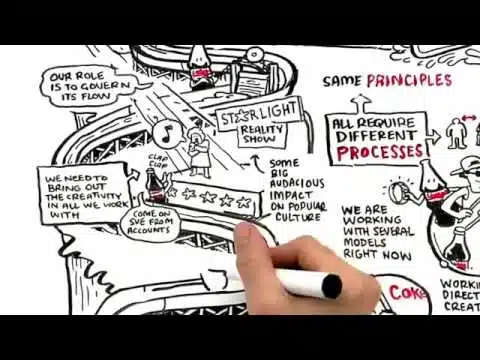
This one breaks a common assumption about doodle animation: the format is not limited to 60 or 90 seconds.
Coca-Cola used a roughly 15-minute drawing-based presentation to explain its Content 2020 marketing approach. A presentation that long could easily turn into a sequence of text-heavy slides. Here, the evolving illustrations give the audience a visual path through the argument.
I would not use 15 minutes as a target length for a normal marketing explainer. That is not the point of the example. What it shows is that a doodle video can carry long-form thinking when the audience expects a presentation, lesson, or internal strategy piece.
5. Stress, Neanderthals and Us
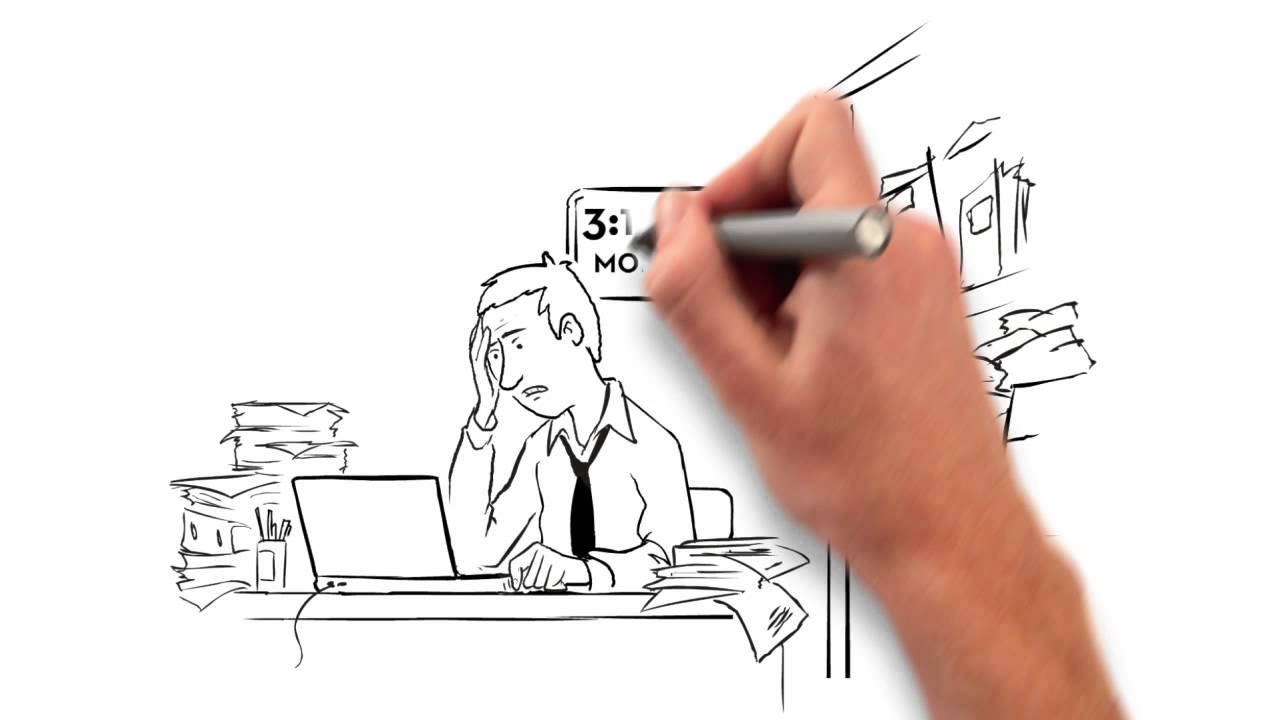
This museum piece moves in the opposite direction.
In around a minute and a half, it introduces an idea about stress, connects it with human behavior, and uses that story to create interest in an exhibition.
The drawings are playful without making the topic feel trivial. That balance is difficult. Educational animation can become childish very quickly when every sentence gets a cartoon gag.
Here, the doodles support the explanation and leave enough space for the subject itself.
It is a useful doodle animation video reference for museums, events, educational campaigns, and organizations that need to create curiosity before asking the viewer to take the next step.
6. Customer Green by Yum Yum Videos
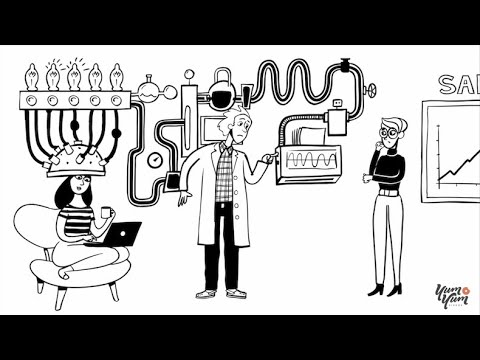
Customer Green is the kind of product that can be awkward to explain visually because much of its value is conceptual.
For this project, we used the doodle style to walk through the software from the user’s point of view instead of treating the video like a feature checklist. The drawings give the script a way to show problems, decisions, and outcomes that would be hard to communicate with interface footage alone.
I still like this type of approach for intangible products. You can show the software when the interface matters, then return to illustration when the story needs to explain what is happening around the software.
That mix often gives a doodle explainer video more range than a pure screen demo.
7. HP: Reinvent Your Print Production Operations
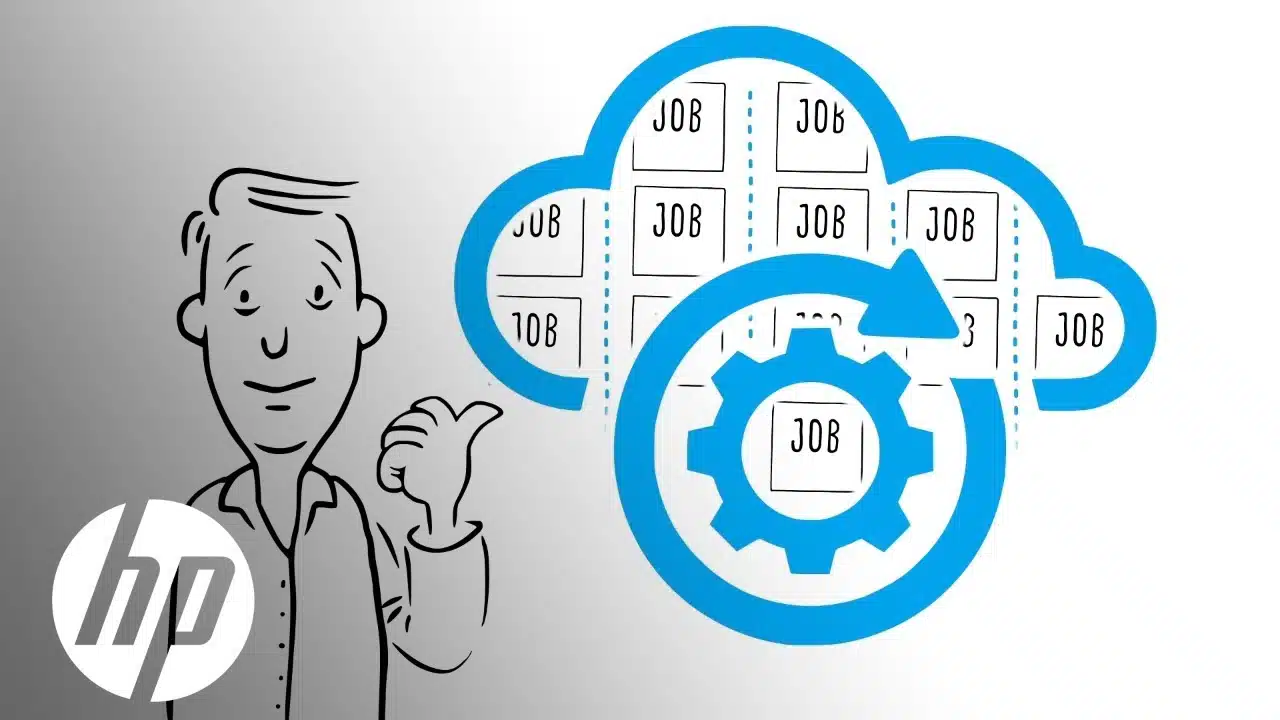
Print production is a technical subject, and a literal explanation can become dense very fast.
This HP video uses animated drawings, music, and a simple visual story to make the process easier to follow. The important decision is that the piece does not try to place every technical detail on screen at once.
The drawings keep the viewer oriented while the narration does most of the explaining.
For B2B technology, that division of labor matters. The visual does not need to duplicate the script. It needs to help the viewer understand where they are in the story.
8. The 1-2-3 of Early COVID Testing
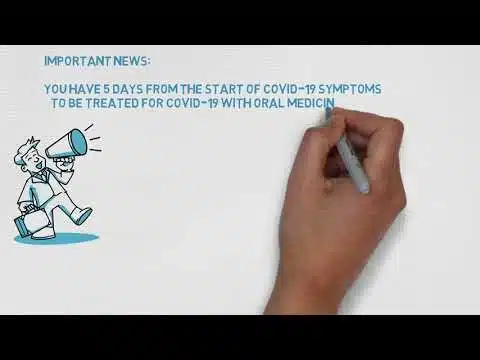
Healthcare communication has a narrow margin for tone.
The information has to be understandable, but the animation cannot make a serious subject feel frivolous. This doodle video example uses simple drawings to guide viewers through testing information without filling the screen with medical imagery or dense text.
That is one reason hand-drawn animation can work well for health education. Illustration lets the production team control how much visual detail the audience receives.
We have run into the same decision on our own healthcare projects. Sometimes a realistic visual is useful. Sometimes it adds complexity the explanation does not need.
9. Demystifying Ocean Acidification
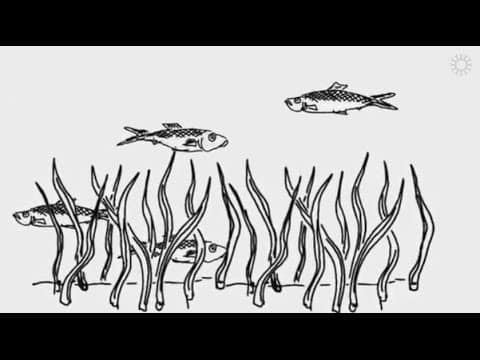
Some topics are too broad for one explainer.
The California Academy of Sciences approached ocean acidification as part of a larger educational series, using a consistent illustrated language across the content. That is more interesting than trying to force an entire subject into one oversized video.
A recurring visual system has another advantage: the viewer does not have to learn a new style every time.
For organizations planning a series of doodle videos, this is worth considering early. Reusing illustration rules, recurring elements, and pacing conventions can make separate videos feel like chapters of the same course.
10. Raising Her Voice by Oxfam
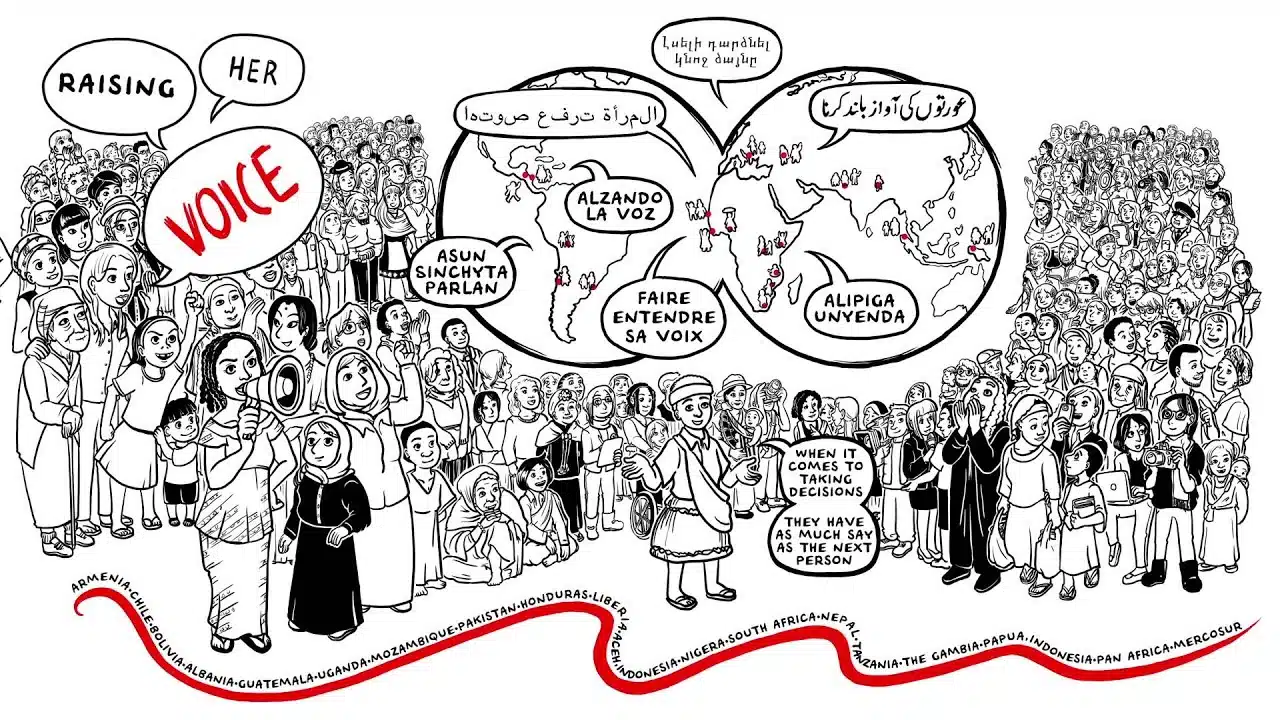
Oxfam’s “Raising Her Voice” covers a large historical and social topic in a very short runtime.
The drawings move quickly from context to the present-day issue and then to the organization’s work. It is a good example of using doodle animation for awareness rather than product explanation.
The main takeaway is compression.
When a script has to cover years of history, several locations, and a social issue, live action may require footage that does not exist or does not match. Drawings can move between those ideas immediately while keeping the visual language consistent.
11. Beat Generals FL Studio Tutorials
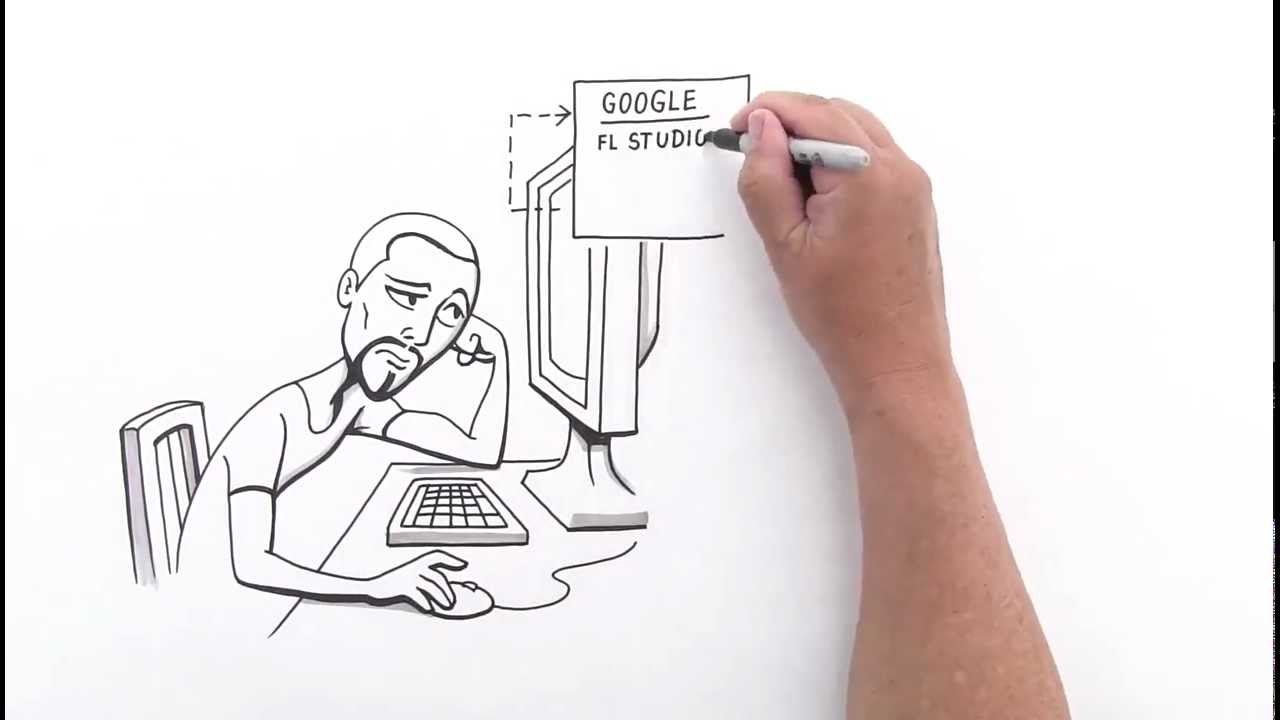
This tutorial is a reminder that sound can change how a doodle video feels.
The music is not just background decoration. It changes with the explanation and gives the drawings a pace. That matters even more in a music-related tutorial because the audience is already listening critically.
We sometimes spend so much time discussing illustration that sound becomes an afterthought. It should not.
A simple drawing paired with the right voice, music, and timing can feel much more finished than a visually complex piece with audio that was added at the end.
12. Biodiversity Explained by WWF
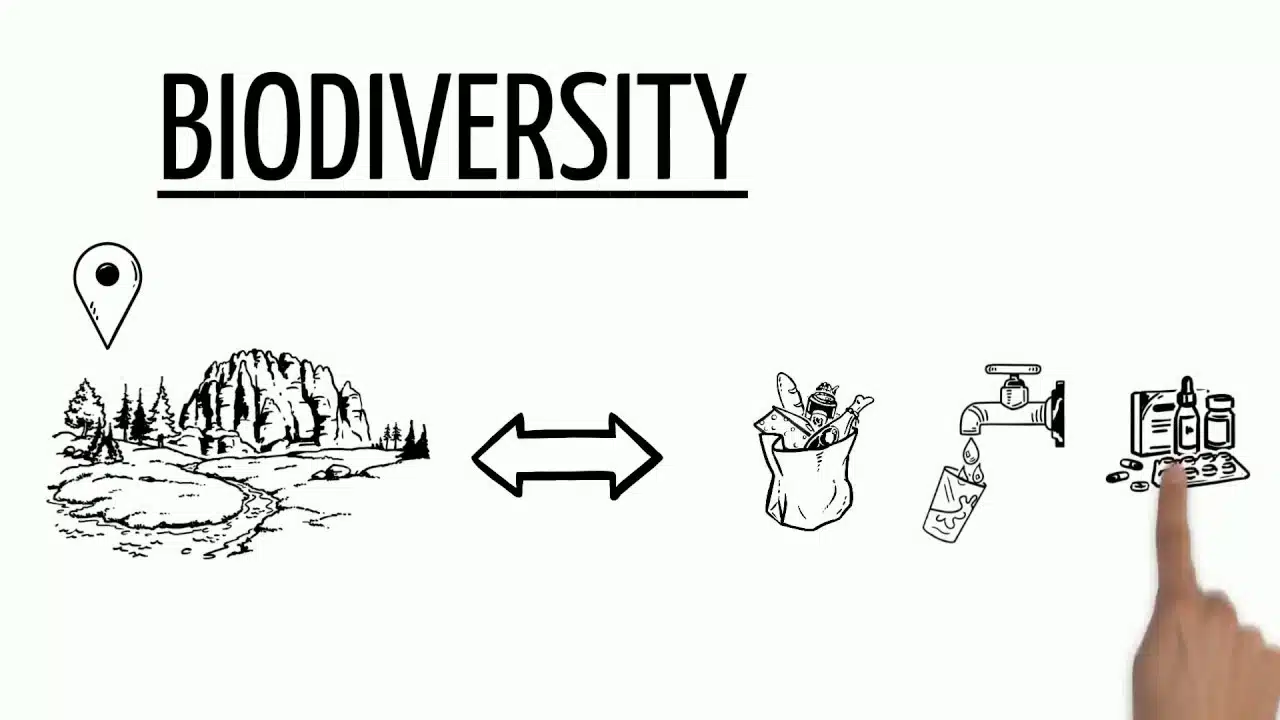
“Biodiversity” is a familiar word, but explaining what it actually means requires more than a definition.
WWF uses doodle animation to turn the term into a sequence of visible relationships. The viewer can watch the idea expand instead of reading a paragraph full of ecological terminology.
This is exactly where an explainer drawing earns its place. The image is doing explanatory work.
For educational organizations, universities, nonprofits, and science companies, that is a better test than asking whether the style looks friendly. If each new visual helps answer the next question in the viewer’s head, the format is doing its job.
13. 23 and 1/2 Hours
This well-known health lecture shows how little production machinery a useful doodle video actually needs.
The presentation is built around a voice, drawings, and a clear question. It does not depend on elaborate character animation or constant visual changes.
The simplicity works because the argument itself is strong enough to carry the piece.
That is an important production lesson. Adding more animation is not always an upgrade. On some educational scripts, extra movement can compete with the information the viewer is trying to process.
14. Banner Closed Loop Recycling
Recycling systems are full of steps, and steps are exactly what this style handles well.
The Banner video uses drawings to show how a closed-loop process works and why the product fits into that system. A traditional product shot could show the physical item. It would have a harder time showing the full lifecycle around it.
This doodle video example is useful for industrial companies, logistics teams, sustainability programs, and any business where the value sits in a process rather than in the appearance of the product itself.
15. Oracle Warehouse Management Cloud
Oracle’s warehouse management piece takes a minimalist route.
The product operates inside a complicated environment, but the video does not try to recreate an entire warehouse system in detail. It focuses on the parts of the story the audience needs to understand first.
That restraint is the reason I would keep this example on the list.
A doodle video is often most effective before a detailed product demo, not as a replacement for one. It can explain the business problem, workflow, and value proposition first. Once that context exists, screenshots and demos make more sense.
What Can Doodle Videos Do for a Business?
The format is especially useful when the thing you are selling is difficult to see.
Software logic, consulting services, insurance models, healthcare workflows, training processes, and sustainability systems all have the same visual problem: much of the value exists between people, steps, or decisions.
A doodle video can make those relationships visible.
It can also give longer educational content a visual structure. Coca-Cola’s Content 2020 video is an extreme example, but the same principle applies to a two-minute B2B explainer. The viewer has something new to look at as each idea develops.
The style can also make a formal subject feel less stiff. That does not mean every serious topic needs jokes or cartoon characters. The COVID testing, Oxfam, and biodiversity examples use illustration without losing the tone of the subject.
For companies already considering the format, the whiteboard animation companies and services guide compares studios and production approaches.
How Long Should a Doodle Video Be?
There is no single ideal length.
For a marketing or sales doodle video, we usually work in roughly the same territory as other explainer videos: around 60 seconds to 2.5 minutes, depending on how much the audience needs to learn.
The examples on this page show why context matters more than a rigid number. “Stress, Neanderthals and Us” works in about a minute and a half. Coca-Cola’s Content 2020 presentation runs for roughly 15 minutes because it is closer to a strategy presentation than an ad.
The script should decide the runtime.
If the idea is clear in 75 seconds, stretching it to two minutes gives the illustrator more work without giving the viewer more value. If the audience genuinely needs three minutes of context, cutting the script just to hit a conventional length can make the explanation worse.
How Much Does a Doodle Video Cost?
A custom doodle video sits in the same general production category as professional whiteboard animation.
At Yum Yum Videos, custom whiteboard projects typically fall around $8,000 to $15,000 per minute, depending on runtime, illustration complexity, animation, script development, and the revision process.
Template tools and automated platforms can cost far less because they reuse visual assets and reduce the amount of original production work.
The biggest cost difference is usually customization. Original characters, custom metaphors, a carefully developed storyboard, and more sophisticated movement require more production time than assembling stock drawings.
For a broader view of pricing across animation tiers, see our explainer video cost research.
When a Doodle Video Is the Wrong Format
There are projects where we would move away from doodle animation early in the process.
A detailed software walkthrough is one. If the viewer needs to learn which button to click and what the interface looks like, showing the real UI is usually more useful.
Highly visual consumer products can have the same issue. If color, texture, photography, packaging, or physical design is the main selling point, the hand-drawn treatment may hide the thing the audience actually wants to see.
Very short ads are another difficult fit. The drawing process needs some time to develop. A 15-second spot often benefits from a format that can deliver the visual idea immediately.
Our article on when not to use whiteboard animation goes deeper into those decisions and compares whiteboard with motion graphics, character animation, and product demos.
What to Look for in Doodle Video Production
The portfolio is the obvious place to start, but I would look at the scripts just as closely as the drawings.
Does each video explain something clearly? Do the illustrations appear in a logical order? Are visual metaphors doing useful work, or are they there because the artist needed something to draw?
Those questions tell you more than line quality alone.
The production company should also be comfortable recommending another style when the project calls for it. Doodle animation is a tool, not a default.
If whiteboard is the right choice, our whiteboard animation videos page shows how we approach custom production.
FAQ About Doodle Videos
What is a doodle video?
A doodle video is an animated video that uses hand-drawn or sketch-style illustrations to explain a story, product, process, or idea. The drawings usually appear progressively while a voiceover guides the viewer.
Is a doodle video the same as a whiteboard video?
The terms often overlap. Whiteboard animation usually refers to a more specific setup where drawings are revealed progressively on a white or light canvas. Doodle animation can use the same technique with more freedom in color, backgrounds, characters, and illustration style.
What is a doodle explainer video?
A doodle explainer video uses the hand-drawn visual style specifically to explain a product, service, process, or concept. It is common in SaaS, healthcare, education, finance, training, and other subjects that need context.
What is a hand drawn explainer video?
A hand drawn explainer video is a broader term for animation that uses a sketch, drawing, or illustrated look. It may be a classic whiteboard animation, a doodle animation, or a more stylized illustrated explainer.
Are doodle videos good for business?
They can be, especially when the audience needs to understand an abstract product, workflow, or idea. They are less suitable when the product itself needs to be shown in detail or when visual impact matters more than explanation.
How long should a doodle animation video be?
Many marketing projects work well between about 60 seconds and 2.5 minutes. Educational and training pieces can run longer when the audience expects more detail.
How much does a professional doodle video cost?
At Yum Yum Videos, custom whiteboard and doodle-style projects typically fall around $8,000 to $15,000 per minute. Pricing varies with runtime, illustration complexity, animation, script development, and revisions.
What makes a doodle video effective?
The script needs a logical sequence, the drawings should appear when the narration needs them, and each visual should make the subject easier to understand. The drawing style matters, but clarity usually starts before illustration begins.
Which Doodle Video Approach Should You Use?
Start with the subject, not the drawing style.
If the audience needs a process, system, or unfamiliar idea explained in sequence, a doodle video is worth considering. If viewers mainly need to see the real product, detailed interface, or strong visual branding, choose a format built around those assets.
For the doodle route, the first production question is simple: what should the viewer understand after each scene that they did not understand before it?
Once that sequence is clear, the drawings have something useful to do.

Victor Blasco
Co-founder of Yum Yum Videos | Explainer Video & Video Marketing Expert
Victor Blasco has over 25 years of experience in animation and film production. For the past 14+ years, he has worked with companies to create explainer and marketing videos that simplify complex ideas and drive business results.
His work has supported global brands like Amazon and McKesson, as well as startups that raised over $2B and reached unicorn or IPO stages.
Victor shares insights based on real client work. His contributions have been published on platforms like Social Media Examiner, and he has been featured or quoted in outlets such as Forbes.