15 Types of Explainer Videos: Styles, Examples & When to Use Each

Co-founder of Yum Yum Videos | Explainer Video & Video Marketing Expert
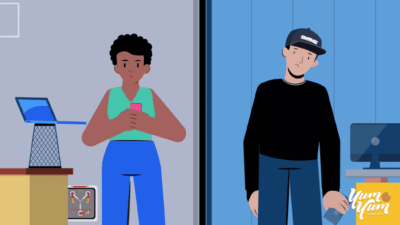
There are many types of explainer videos, and each one solves a different visual problem. A SaaS platform may need a screencast because viewers have to see the interface. A healthcare company may need 2D animation or whiteboard to simplify an abstract process. A physical product may need 3D to show parts a camera cannot reveal.
You will also see the terms explainer video types and explainer video styles used interchangeably. Some of the options below are animation techniques, such as 2D, 3D, and rotoscope. Others are production formats, including screencast and live action. For a company planning a video, that distinction matters less than choosing a visual approach that fits the message.
I have worked in animation and film production for more than 25 years, including the last 14+ years producing explainer and marketing videos at Yum Yum Videos. Across more than 1,000 animated videos, we have learned to choose the visual direction after defining the audience, message, script, and what the viewer actually needs to see.
Below are 15 explainer video styles we see in business and marketing, with the situations where each one makes sense and the tradeoffs to consider.
If you need the full production side rather than the style comparison, our explainer video production page explains how we approach complete projects.
Table of Contents
The 15 Types of Explainer Videos
- 2D Character Animation
- Motion Graphics
- Whiteboard Animation
- 2.5D Animation
- 3D Animation
- Stop Motion
- Typography Animation
- Screencast
- Live Action
- Live Action with 2D Animation
- Mixed Media
- Rotoscope Animation
- Mechanical Animation
- Cut Out Animation
- HUD Animation
The choice starts with what the audience needs to understand. Character driven stories often fit 2D. Software and data usually benefit from motion graphics or screencast. Products with important physical construction or internal mechanics can justify 3D.
1. 2D Character Animation
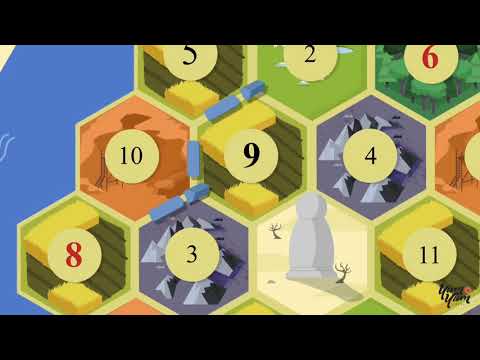
2D character animation combines illustrated characters, environments, objects, and motion in a two dimensional visual space. Among the most common types of explainer videos, it gives the creative team a lot of control over how the audience, product, and problem appear on screen.
At Yum Yum Videos, 2D character work has been at the center of our production for more than a decade. We use it when the audience needs to see a person experiencing a problem, making a decision, using a product, or moving through a process.
We often use 2D for SaaS, healthcare, finance, education, and HR when the viewer needs to recognize a person, situation, or decision before understanding the product.
Custom 2D still requires scriptwriting, storyboarding, illustration, character design, and animation. A scene can be changed more easily than a live action shoot, but custom animation still involves real production work at each stage.
See more examples on our 2D animation page.
2. Motion Graphics
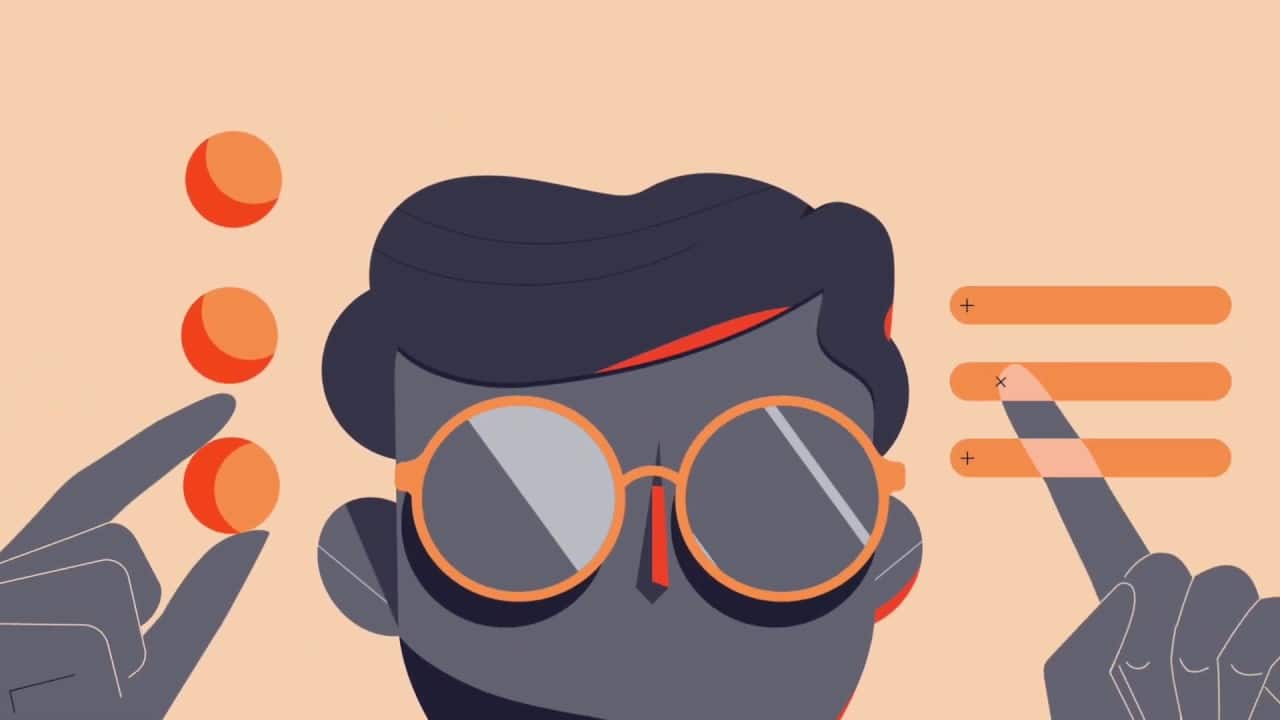
Motion graphics use typography, icons, shapes, charts, interface elements, diagrams, and other graphic assets to explain information through movement.
This explainer video style is especially useful for abstract subjects. Software architecture, financial products, logistics systems, data, workflows, and B2B platforms often contain processes that cannot be filmed directly. Motion graphics gives those processes a visible structure.
We also use motion graphics when the product or information should carry the video. Characters can appear, but charts, interfaces, diagrams, and visual systems usually do more of the explanatory work.
The common mistake is visual overload. If every feature, number, icon, and interface element appears at once, the explanation gets harder to follow. The design has to control what the viewer sees first and what can wait.
You can see more examples of motion graphics animation.
3. Whiteboard Animation
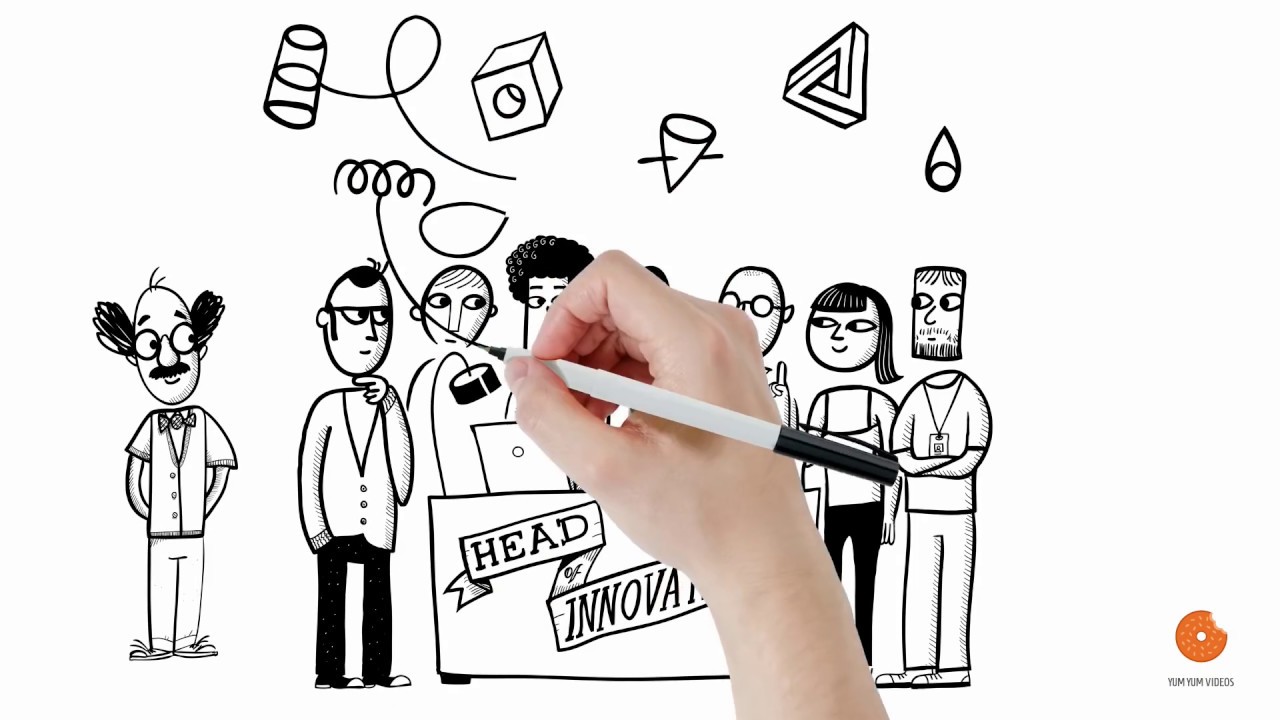
Whiteboard animation reveals drawings, text, symbols, and visual connections in the same order as the narration. The viewer watches the explanation being built instead of seeing the complete visual from the first frame.
We have produced more than 200 whiteboard videos over the years. The format remains useful because it naturally controls the order in which information appears. The viewer sees one idea, then the next, rather than receiving a finished complex diagram all at once.
We have used whiteboard for training, healthcare, education, finance, and internal communication, especially when the logic needs to unfold one step at a time.
Whiteboard gives less visual weight to product aesthetics and detailed interfaces. For those briefs, motion graphics, 2D, 3D, or screencast usually gives the product more room.
Our whiteboard animation page has more production examples.
4. 2.5D Animation
2.5D animation starts with 2D artwork and adds perspective, layers, camera movement, shadows, parallax, and depth to create the impression of a three dimensional space.
It sits between flat 2D and full 3D production. The assets are still illustrated in 2D, but the camera can move through the composition in a way that creates more depth.
This explainer video style adds depth without requiring a fully modeled 3D world. We would consider it for technology, architecture, maps, industrial subjects, systems, and product environments where camera movement helps the explanation.
Compared with standard 2D, the artwork needs more planning. The illustrator has to prepare layers and depth before animation so the camera can move through the scene correctly.
5. 3D Animation
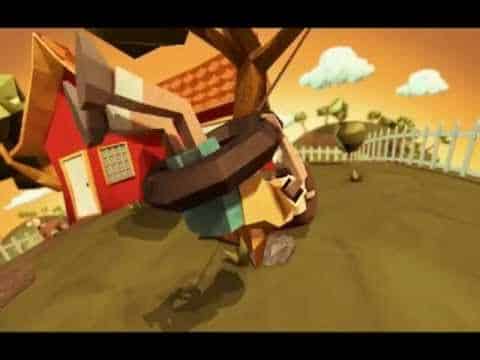
3D animation builds objects and environments inside a three dimensional digital space. Animators can rotate around a product, move through it, separate its parts, show internal components, or visualize something that does not yet physically exist.
3D is useful for machinery, medical devices, manufacturing, architecture, engineering, and product launches where shape, construction, or internal parts are part of the explanation.
The tradeoff is production complexity. Modeling, texturing, rigging, lighting, simulation, rendering, and revisions can add considerable work compared with many 2D projects.
We use 3D when the third dimension adds information. If the message can be explained just as clearly in 2D, the additional modeling and rendering may add cost without improving the explanation.
6. Stop Motion
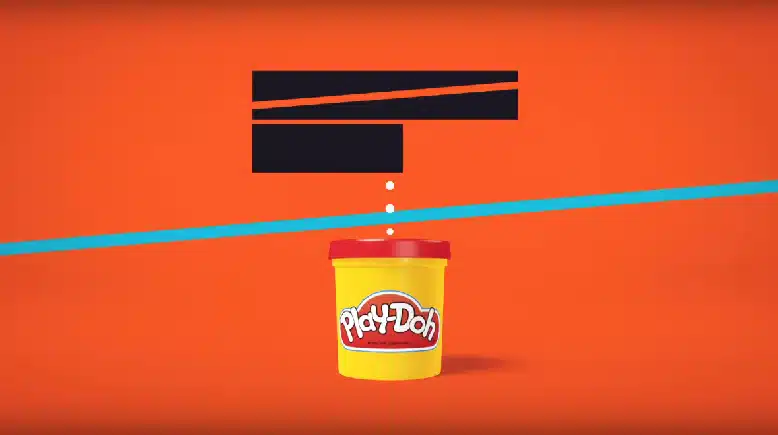
Stop motion creates movement by photographing physical objects in small increments and playing those frames in sequence.
Unlike digital 2D or 3D, traditional stop motion requires physical sets, objects, lighting, camera work, and careful frame by frame manipulation. That gives the result a tactile quality that is difficult to reproduce with standard digital animation.
Physical products, crafts, food, packaging, and toys can benefit from the tactile quality of stop motion. In those projects, the production technique becomes part of the visual identity.
The drawback is flexibility. A late change can require rebuilding or reshooting a sequence, so approvals before production matter more than they do in many digital workflows.
7. Typography Animation
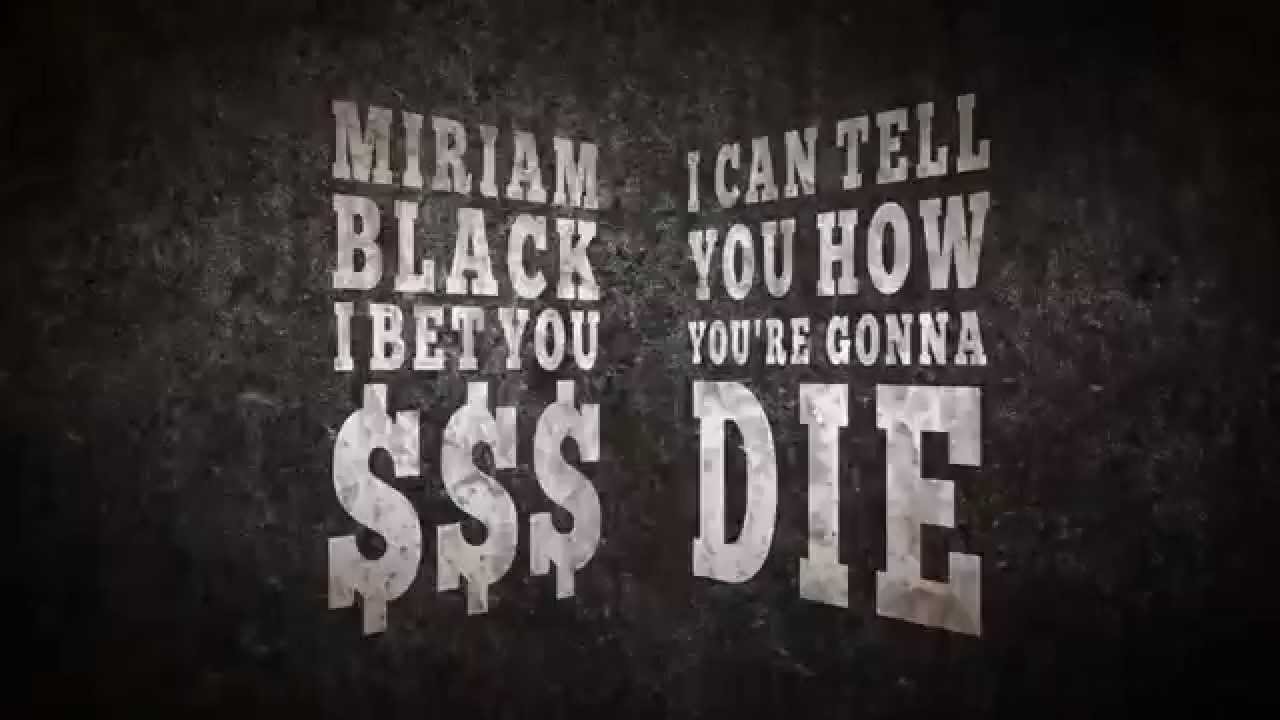
Typography animation uses words, letters, scale, layout, and movement as the main visual system.
Typography works when the words carry most of the message. Short manifestos, announcements, social ads, quotes, and campaigns with a strong voiceover can use the text itself as the main visual material.
It can also support other types of explainer videos rather than operating alone. Motion graphics often use kinetic typography to emphasize a number, feature, or key phrase.
For a longer technical explanation, however, text alone can become repetitive. The style works best when the script is concise and the words deserve visual emphasis.
8. Screencast
A screencast records a digital product or interface and usually combines that footage with narration, cursor movement, zooms, labels, highlights, or light animation.
For SaaS and software, a screencast is often the most direct type of explainer video. If viewers need to understand where to click, what a dashboard looks like, or how a workflow moves from one screen to another, showing the actual product removes unnecessary abstraction.
Screencasts also work well for tutorials, onboarding, feature releases, and product demos.
The limitation is longevity. Product interfaces change. A video that depends heavily on exact screens may require updates whenever the UI changes.
9. Live Action
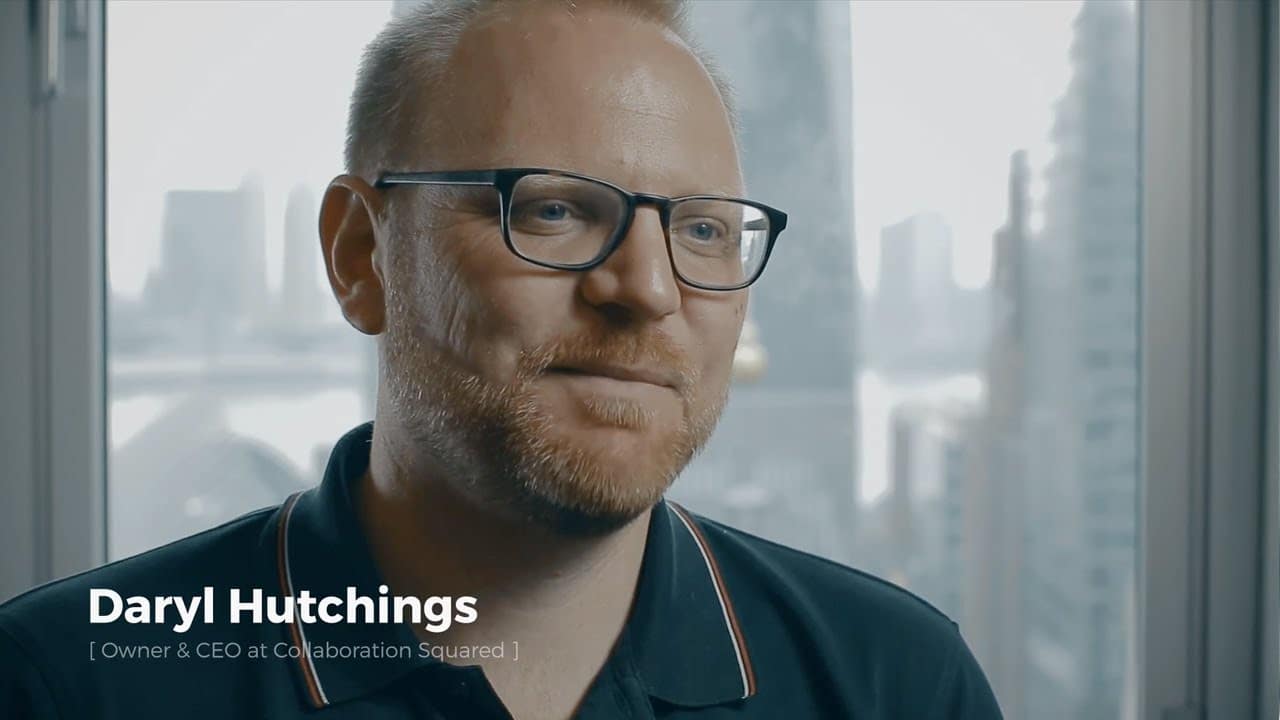
Live action uses cameras, real people, physical locations, sets, and products rather than fully animated visuals.
Live action makes sense when the people behind the product are part of the story. Founder videos, customer testimonials, culture pieces, demonstrations, interviews, and service businesses often depend on seeing real people on screen.
We also use live action when authenticity matters more than visual abstraction. A testimonial is usually stronger when the viewer sees the actual customer speaking.
Production is less flexible once filming is complete. Reshoots involve people, locations, schedules, equipment, and sometimes travel, so preproduction becomes especially important.
See our live action video work for more examples.
10. Live Action with 2D Animation
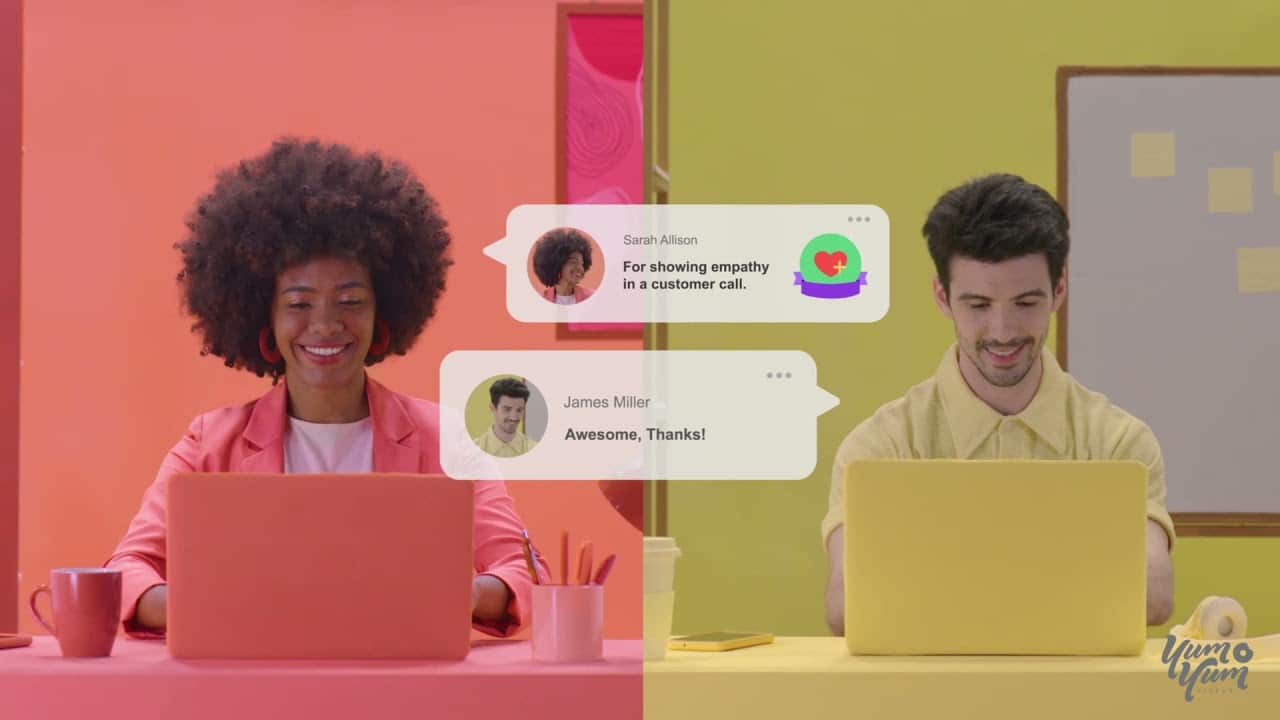
This format combines filmed footage with animated graphics that interact with the live action.
The animation might label objects, illustrate an idea beside a speaker, visualize data, add interface elements, or create graphic transitions that would be impossible to capture with a camera alone.
The combination works when the viewer needs to see a real person or physical product and also understand information that cannot be filmed directly.
The two layers have to be planned together. Camera framing, movement, eyelines, and empty space all affect where animated elements can appear later.
11. Mixed Media Explainer Videos
Mixed media explainer videos combine several visual sources in one piece, such as live action, photography, motion graphics, 2D animation, 3D, textures, collage, or typography.
Mixed media lets the visual language change when the message changes. A real person can appear on camera, followed by photography, illustration, motion graphics, or animated text without forcing the whole video into one technique.
We used this approach for Thicket, a platform offering online classes in history, literature, art, and related subjects. The video combines live action footage, photography, motion graphics, and animation. The finished piece won a 2026 Silver Telly Award.
For Thicket, each technique had a job. Live action introduced a human presence, photography supported the editorial feel, and animation helped organize information. The mix followed the message instead of adding variety for its own sake.
See more mixed media animation examples.
12. Rotoscope Animation
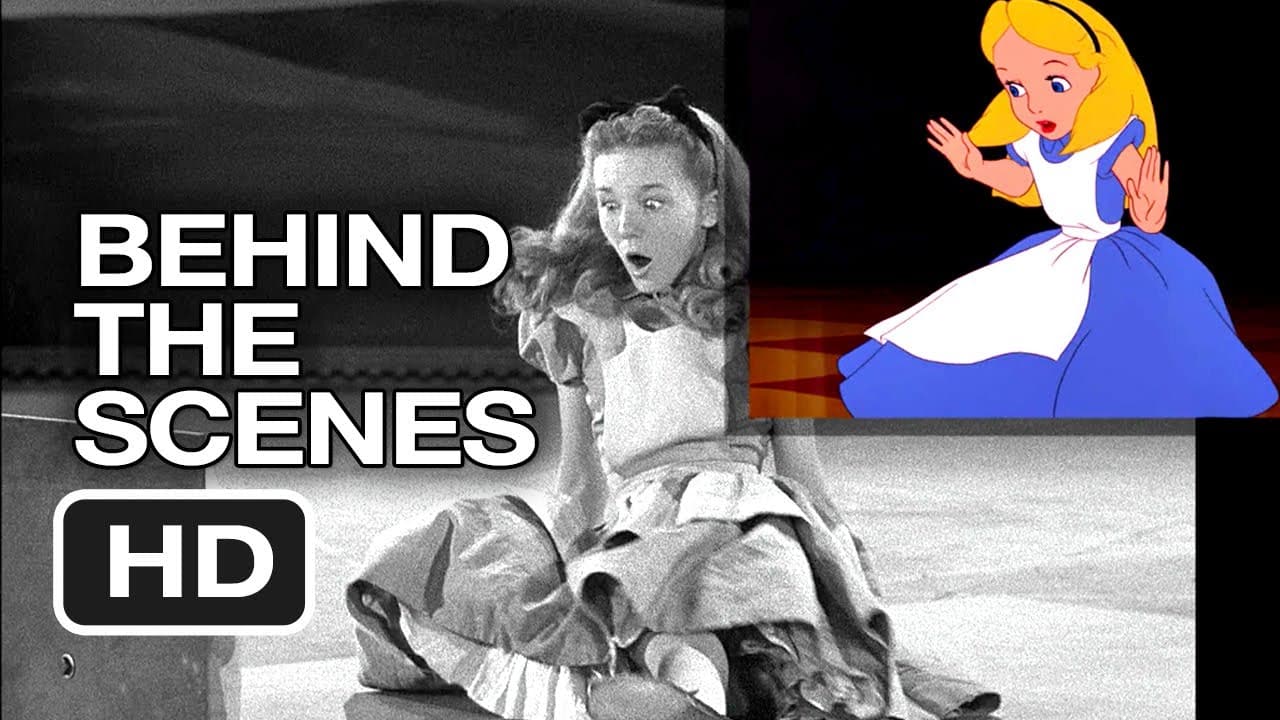
Rotoscope animation uses live action footage as the movement reference for animation.
Historically, artists traced filmed frames. Today the process is digital, but the basic idea remains the same: real movement provides the foundation, and animation changes the visual treatment.
Rotoscope keeps the timing and movement of live action while changing the visual treatment. Human movement, dance, sports, and stylized commercials are natural uses because the source footage preserves physical motion.
I would choose rotoscope when realistic movement is important to the idea. If the project only needs an illustrated look, standard 2D usually gives the animator more freedom.
13. Mechanical Animation

Mechanical animation uses 3D to explain how a physical object, machine, assembly, or industrial system works.
Animators can remove exterior panels, separate parts, show movement inside a mechanism, or visualize a process that a normal camera cannot access safely or clearly.
Manufacturers, engineering companies, automotive businesses, and technical sales teams use mechanical animation to show motion and internal parts that would be difficult to film clearly.
The same material can sometimes support more than marketing. Engineering, training, installation, and sales teams may all need to communicate how the same system works, although the final video and level of technical detail may differ by audience.
14. Cut Out Animation
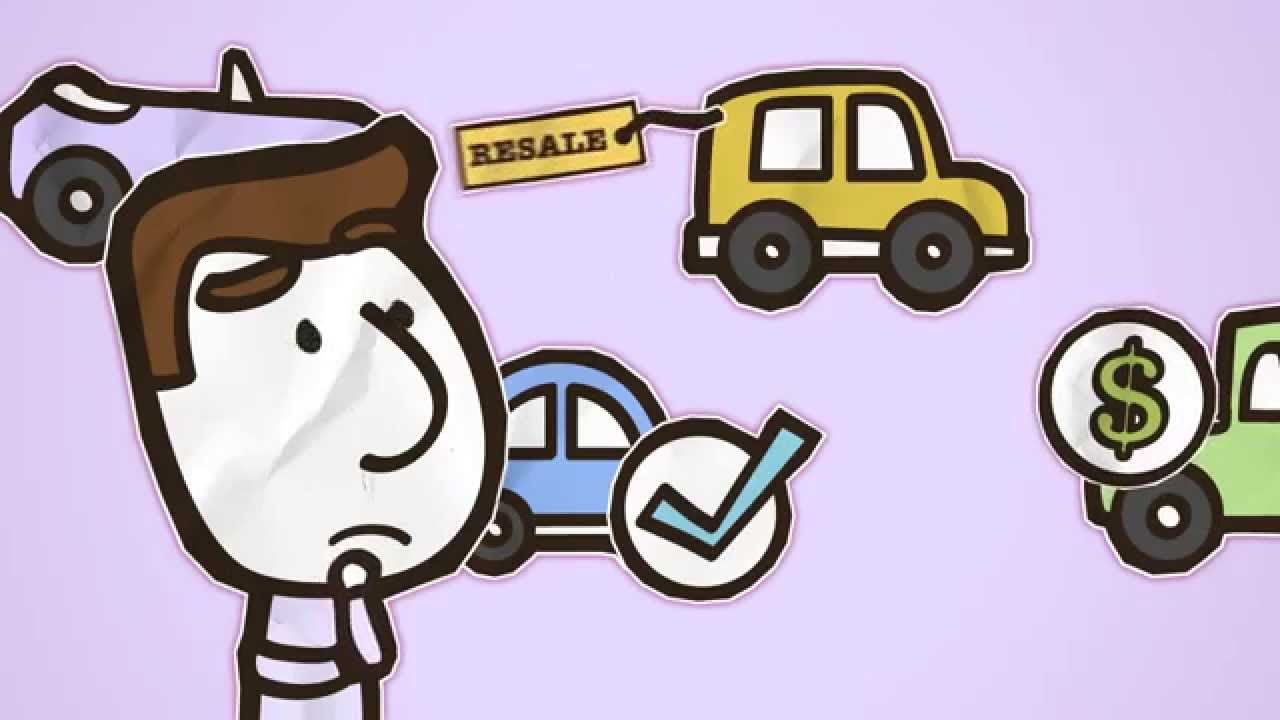
Cut out animation traditionally uses flat pieces made from paper, card, fabric, photographs, or illustrations. Animators move the pieces incrementally to create motion.
Digital versions reproduce the same visual language using scanned artwork, vector assets, or layered illustrations.
Cut out animation has a recognizable handmade quality. It fits education, editorial content, children’s material, history, and projects where limited movement is part of the intended look.
Digital cut out is easier to revise than physical stop motion, but the limited movement is part of the aesthetic. If a project needs subtle character acting or highly fluid movement, another 2D technique usually offers more control.
15. HUD Animation
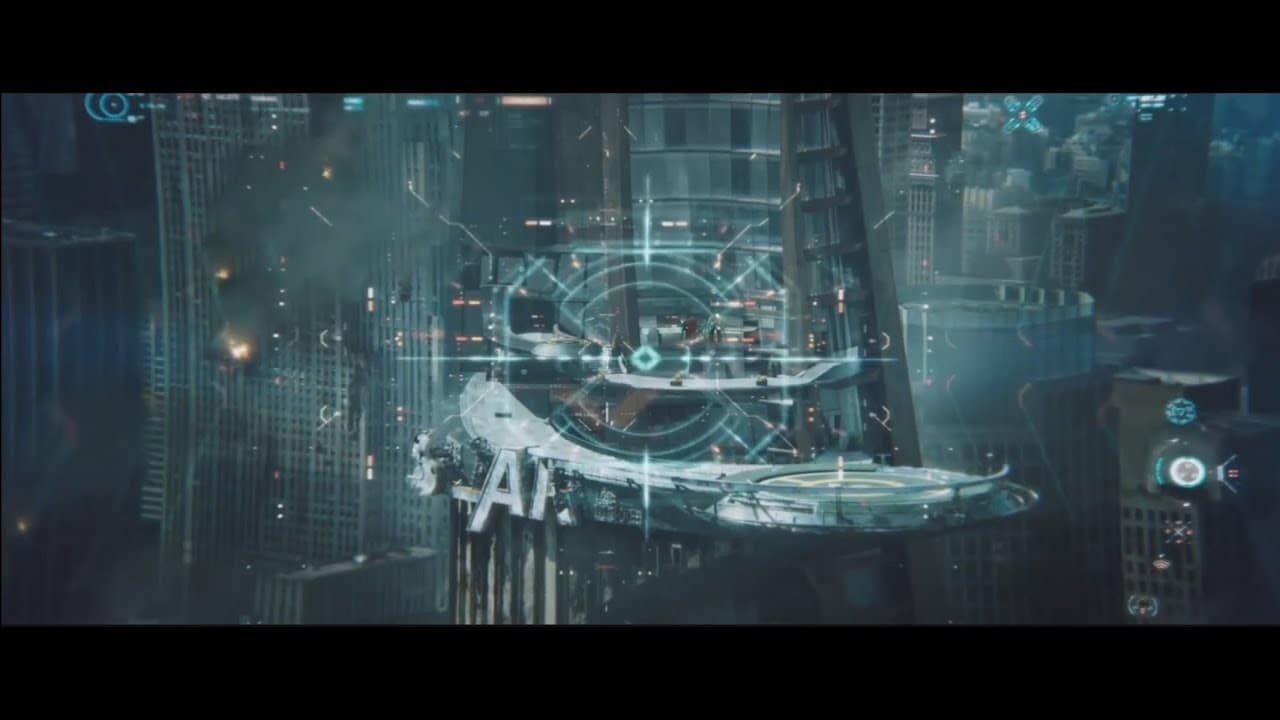
HUD stands for Head Up Display. The visual language comes from interfaces that place information over a transparent or semi transparent field, allowing the user to see data and the underlying environment at the same time.
In marketing, HUD animation often appears in technology, cybersecurity, data, gaming, aerospace, automotive, and futuristic product videos.
HUD animation fits systems, diagnostics, scanning, metrics, tracking, and other subjects where information needs to appear around a product, environment, or person. You can see more approaches in our explainer video examples.
It can become visually noisy very quickly. The interface needs hierarchy, otherwise every line, number, and glowing element competes for attention.
How to Choose Among Different Types of Explainer Videos
After more than 14 years of explainer production, we usually narrow the style decision with five practical questions.
What does the viewer need to understand?
If the viewer needs to understand a software interface, show the interface. If the viewer needs to understand an invisible system, motion graphics may work better. If the viewer needs to identify with a person, characters or live action can give the story a human point of view.
Does the product need to appear literally?
A medical device, machine, or physical product may need accurate representation through 3D or live action. Services, platforms, and abstract concepts usually give the creative team more room for metaphor and illustration.
How long will the video need to stay current?
A screencast tied to the current UI may age faster than an illustrated explanation of the same workflow. This matters for companies that update their product frequently.
What does the budget allow?
Style affects production scope. In our 2026 pricing research, we contacted 125 video production companies, received responses from 76, and obtained 61 usable quotes for a custom 60 second animated explainer. Prices ranged from $2,800 to $27,000, with a median of $9,680.
That range includes very different production models and levels of complexity. Our animation cost guide goes deeper into the numbers.
Where will the video be used?
A homepage explainer, sales presentation, paid social ad, onboarding tutorial, trade show video, and training module do not have the same viewing conditions. The distribution channel can change how much detail, text, narration, or interface footage the video should contain.
Style Does Not Replace the Script
A strong visual treatment still needs a focused script.
Before we choose an explainer video style, we usually define the audience, problem, message, and order of information. The storyboard then tests whether the visual idea actually supports the narration.
Two videos made in the same animation style can still feel completely different. Style defines the visual language; the script and storyboard control the sequence of ideas and what the viewer learns along the way.
Our explainer video script guide explains that part of the process in more detail.
How We Approach Different Explainer Video Styles at Yum Yum Videos
At Yum Yum Videos, the production team chooses the visual direction after understanding what the company needs to explain and who needs to understand it.
Over 14+ years, our animated video company has worked across 2D character animation, motion graphics, whiteboard, mixed media, 2.5D, 3D, and live action. We have also produced multi video series where different messages required different visual treatments.
The style serves the explanation. It should make the message clearer, not become the message itself.
FAQ About Types of Explainer Videos
What are the most common types of explainer videos?
Common types of explainer videos for business include 2D character animation, motion graphics, whiteboard, screencast, live action, mixed media, and 3D. More specialized options include 2.5D, rotoscope, typography, cut out, stop motion, mechanical animation, and HUD.
What is the best explainer video style for SaaS?
For SaaS, screencast and motion graphics are common because they can show the interface, workflows, data, and abstract processes. 2D animation also works when the story needs to focus on the user problem rather than the product screen.
Which explainer video type is best for complex products?
It depends on what makes the product complex. Motion graphics can explain systems and data. 3D can show physical construction. Mechanical animation can reveal internal parts. Whiteboard or 2D animation can simplify a long conceptual explanation.
Which type of explainer video is the most affordable?
Pricing depends on runtime, customization, team, and production quality as well as style. Screencasts and simple typography can require less custom artwork than character animation or 3D, but the final quote still depends on scope.
Can one explainer video combine several styles?
Yes. Mixed media is built around that idea, and many modern productions combine techniques. A live action video can include motion graphics. A 2D character piece can include interface animation. A 3D product sequence can appear inside a broader 2D video.
Choosing Among the Different Types of Explainer Videos
The 15 options above solve different visual problems.
Use 2D character animation or live action when people and behavior carry the story. Use motion graphics when the message depends on data, systems, or an invisible process. Use a screencast when the audience needs to see software. Use 3D or mechanical animation when physical construction or internal parts are essential to the explanation.
Choose the type of explainer video after you know what the audience needs to understand, what must appear on screen, and where the video will be used. That gives the creative team a clearer basis for choosing a style than starting from a reference video alone.


Victor Blasco
Co-founder of Yum Yum Videos | Explainer Video & Video Marketing Expert
Victor Blasco has over 25 years of experience in animation and film production. For the past 14+ years, he has worked with companies to create explainer and marketing videos that simplify complex ideas and drive business results.
His work has supported global brands like Amazon and McKesson, as well as startups that raised over $2B and reached unicorn or IPO stages.
Victor shares insights based on real client work. His contributions have been published on platforms like Social Media Examiner, and he has been featured or quoted in outlets such as Forbes.